Works across your screens
Use Supa apps on compatible iOS, Android and Fire TV devices.
Activate your device, add your own provider details and manage your playlist from one secure place.
Use Supa apps on compatible iOS, Android and Fire TV devices.
Add the login or playlist supplied by your existing provider.
Clear setup guidance and help with app activation.
Enjoy a consistent media-player experience across Android, iOS and Windows using media access from your own authorised provider.
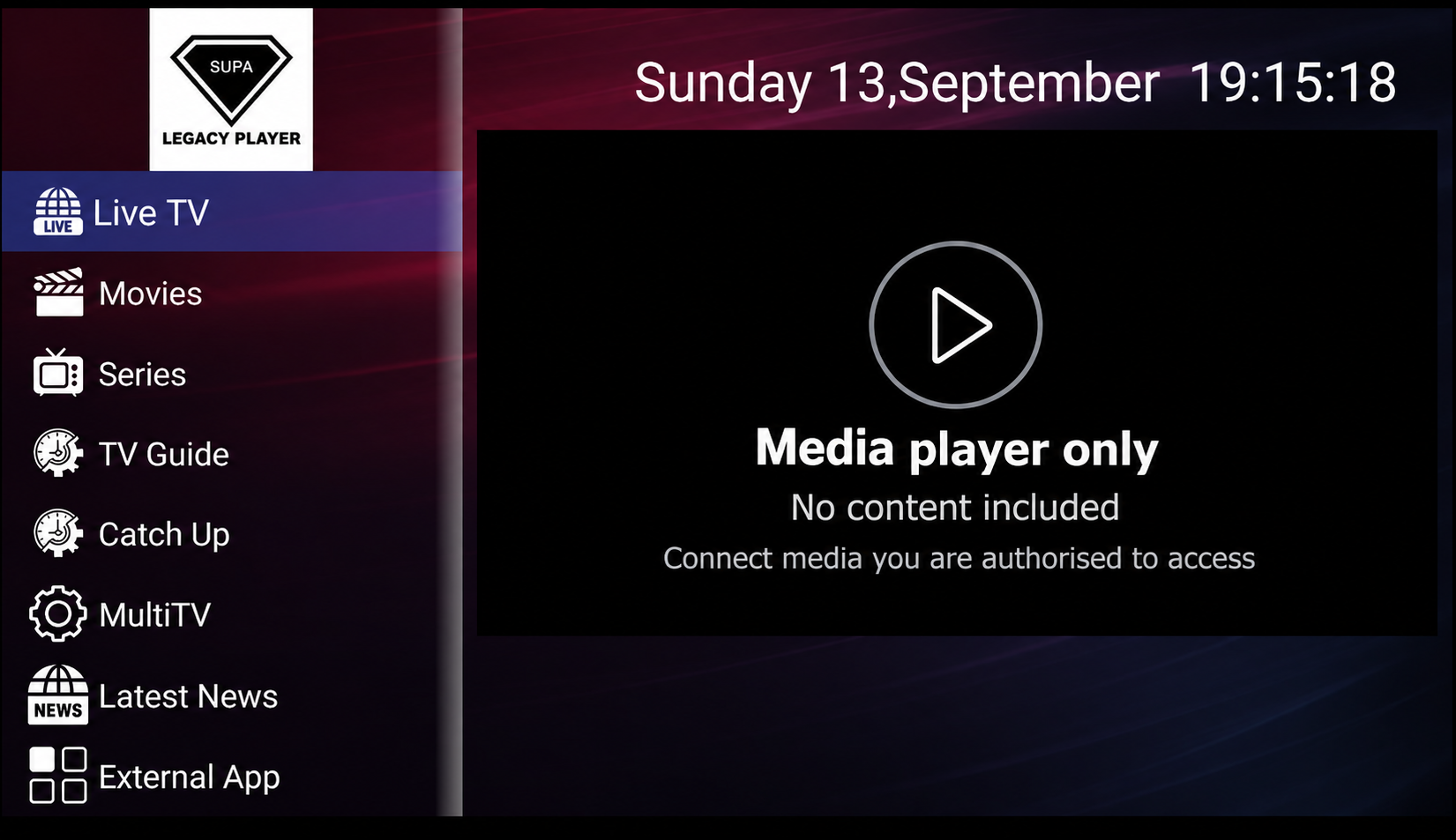
A straightforward media player for compatible Android phones, tablets and television devices.
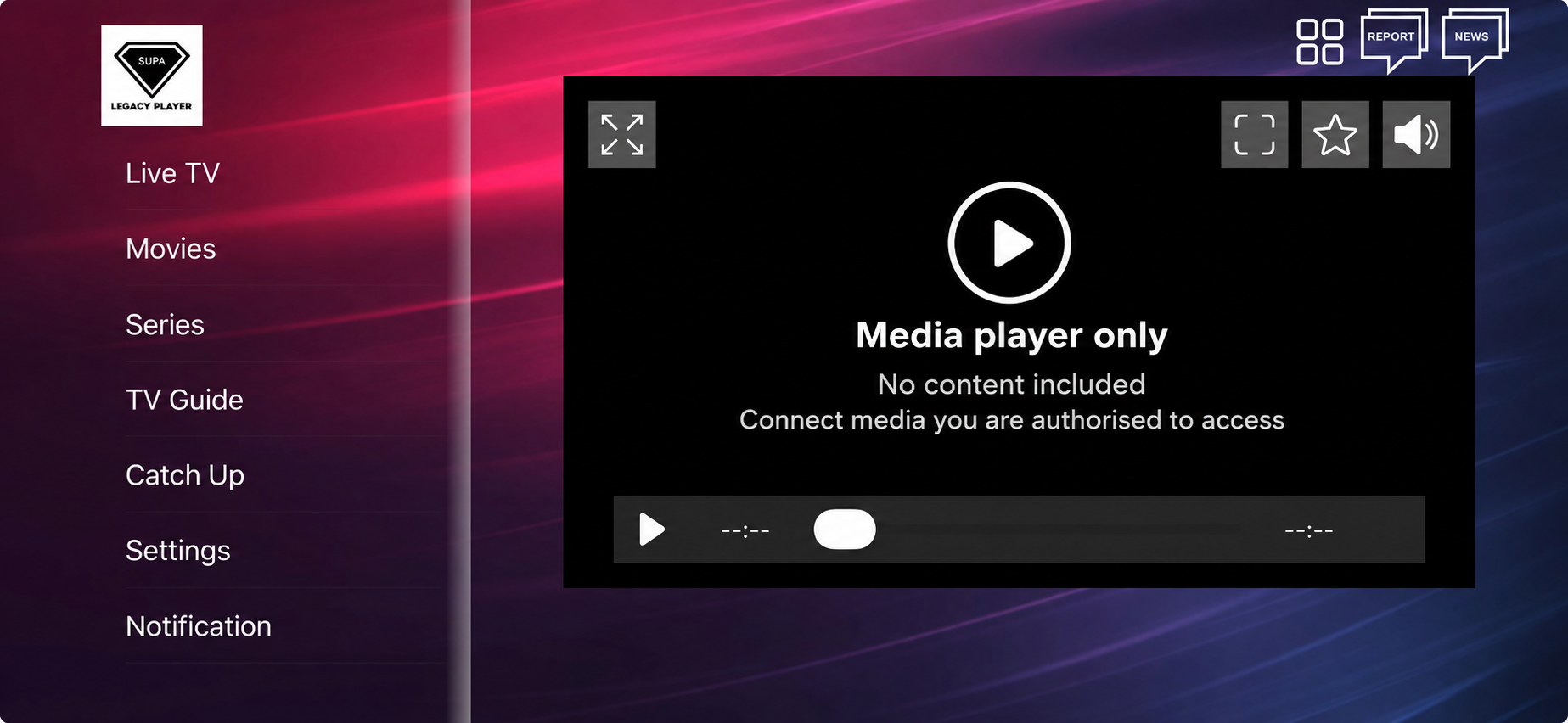
A clean, touch-friendly player designed for compatible iPhone and iPad devices.
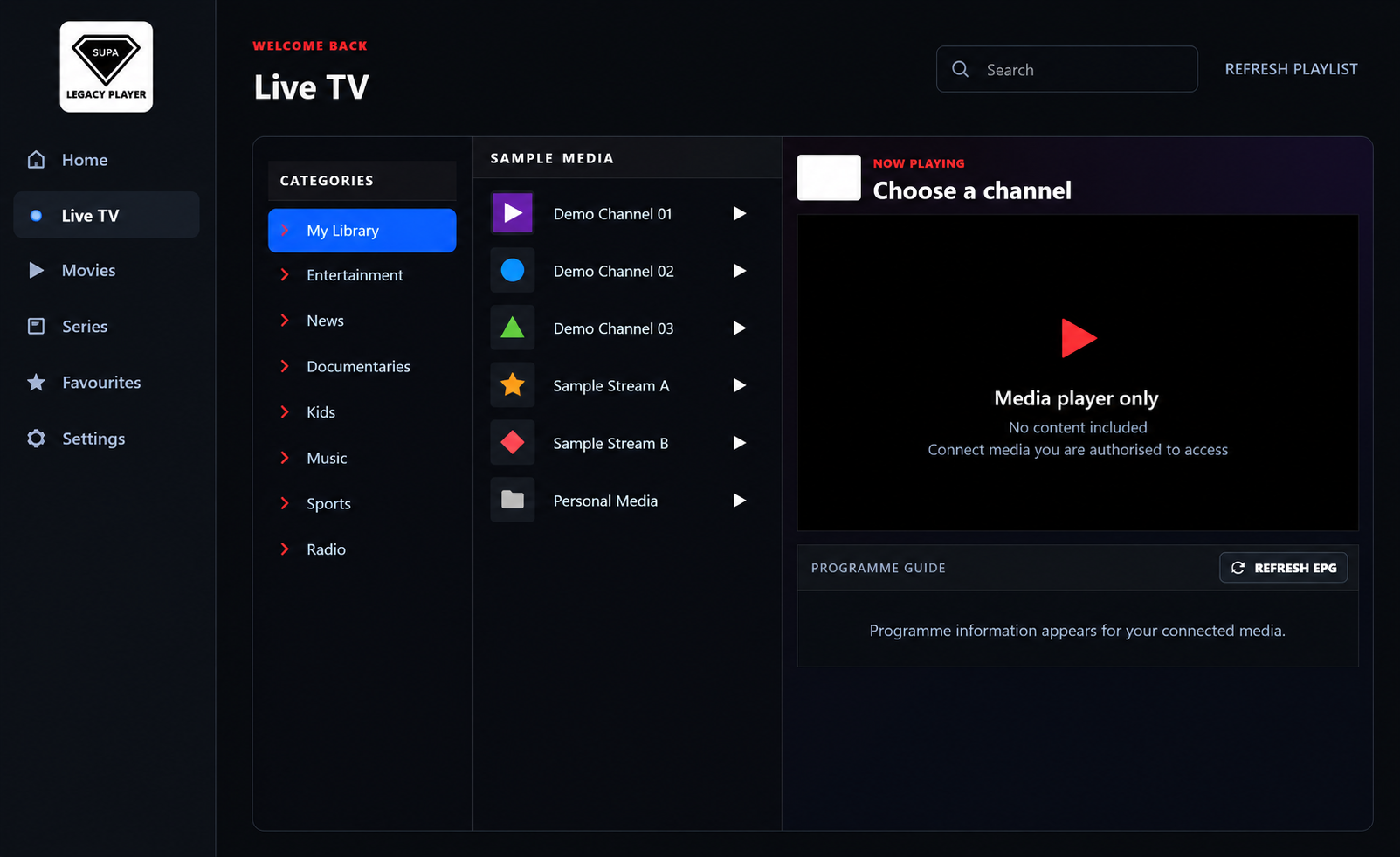
A modern desktop player for compatible Windows computers, with an organised viewing interface.
SupaUpload provides app activation and media-player software only. We do not provide, sell or recommend channels, playlists, media subscriptions or copyrighted content. Users must only connect media they are legally authorised to access.
Android is a trademark of Google LLC. iOS, iPhone and iPad are trademarks of Apple Inc. Windows is a trademark of Microsoft Corporation. SupaUpload is not affiliated with these companies.
You bring the service. We make it easy to use on your device.
Install the compatible Supa app on your chosen device.
Enter the device details shown in your app below.
Use the details supplied by your own media provider.
Enter the details displayed by your Supa app.
We do not sell, include or recommend TV channels, media subscriptions or playlists. You must already have your own lawful provider and working login details before activating.